Creating a Garry's Mod server
- This guide will help you create your own Garry's Mod server on Linux (Ubuntu)
- Before starting the installation, you need to select and order a virtual server plan
- After ordering and activating the server, you can start creating a Garry's Mod server
- If you need help with installation, you can create a request to technical support and we will install the Garry's Mod game server for free on your VDS

Preparing to install the Garry's Mod game server
Before installing a game server, you will need to install the necessary software and update the OS.
-
Install OS updates
- sudo apt update
- sudo apt upgrade Set the UTF-8 encoding in your operating system
- sudo apt install locales Installing additional libraries when using a 64-bit operating system
- sudo apt install lib32gcc1
- sudo apt install lib32stdc++6
- sudo apt install libsdl2-2.0-0
- sudo dpkg --add-architecture i386
- sudo apt update
- sudo apt upgrade Restart the server
- reboot
Installing the Nano text editor.
- sudo apt install nano
Install Tmux.
- sudo apt-get install tmux
Installing a game server under the root user is not recommended for security reasons, so you need to create a new user and switch to their level.
-
Create a user named "gmserver" (you will need to specify a user password when creating it)
- sudo adduser gmserver Go to user level
- su - gmserver
Installing SteamCMD
SteamCMD is required to install the Garry's Mod server.
-
Create a directory for SteamCMD and navigate to it
- mkdir steamcmd
- cd steamcmd Download the SteamCMD installer and unzip it into the created directory
- curl -sqL "https://steamcdn-a.akamaihd.net/client/installer/steamcmd_linux.tar.gz" | tar zxvf -
Installing a Garry's Mod game server
Now you can proceed to installing the Garry's Mod game server.
-
Launch SteamCMD (this will open the steamcmd console)
- ./steamcmd.sh Specify the directory where the game server will be installed
- force_install_dir /home/gmserver Log in to Steam
- login anonymous To install the server, use build ID Garry's Mod 4020
- app_update 4020 Check that all files have downloaded correctly and are not damaged
- app_update 4020 validate Close the steamcmd console using the keyboard shortcut "Ctrl+C"
Launching the Garry's Mod game server
Create a new session in Tmux (so that the game server remains running even if the SSH connection is closed).
-
Create a new session in Tmux
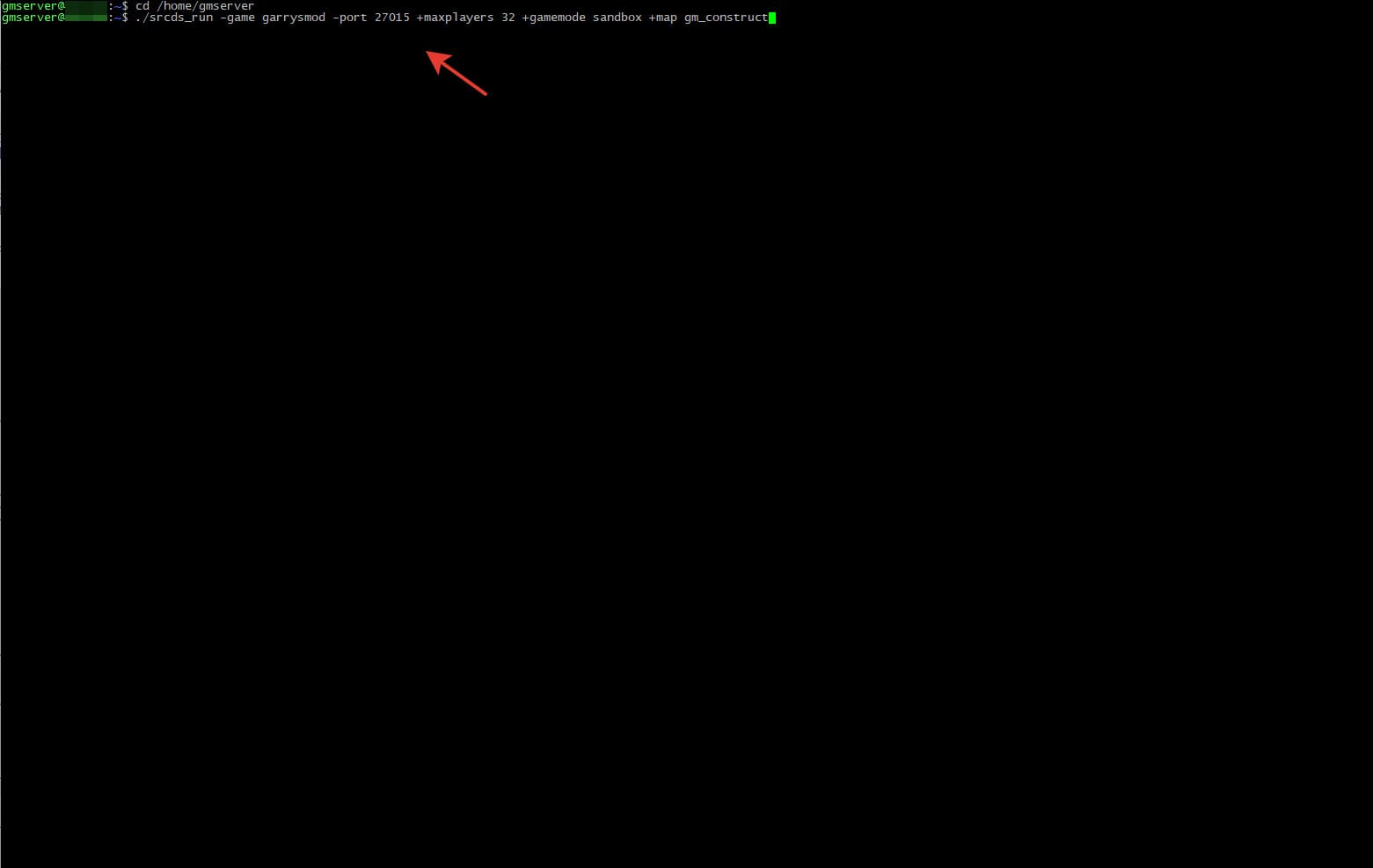
- tmux new -s gmserver Go to the directory with the installed game server
- cd /home/gmserver Run the game server using the example or with different parameters
- ./srcds_run -game garrysmod -port 27015 +maxplayers 32 +gamemode sandbox +map gm_construct
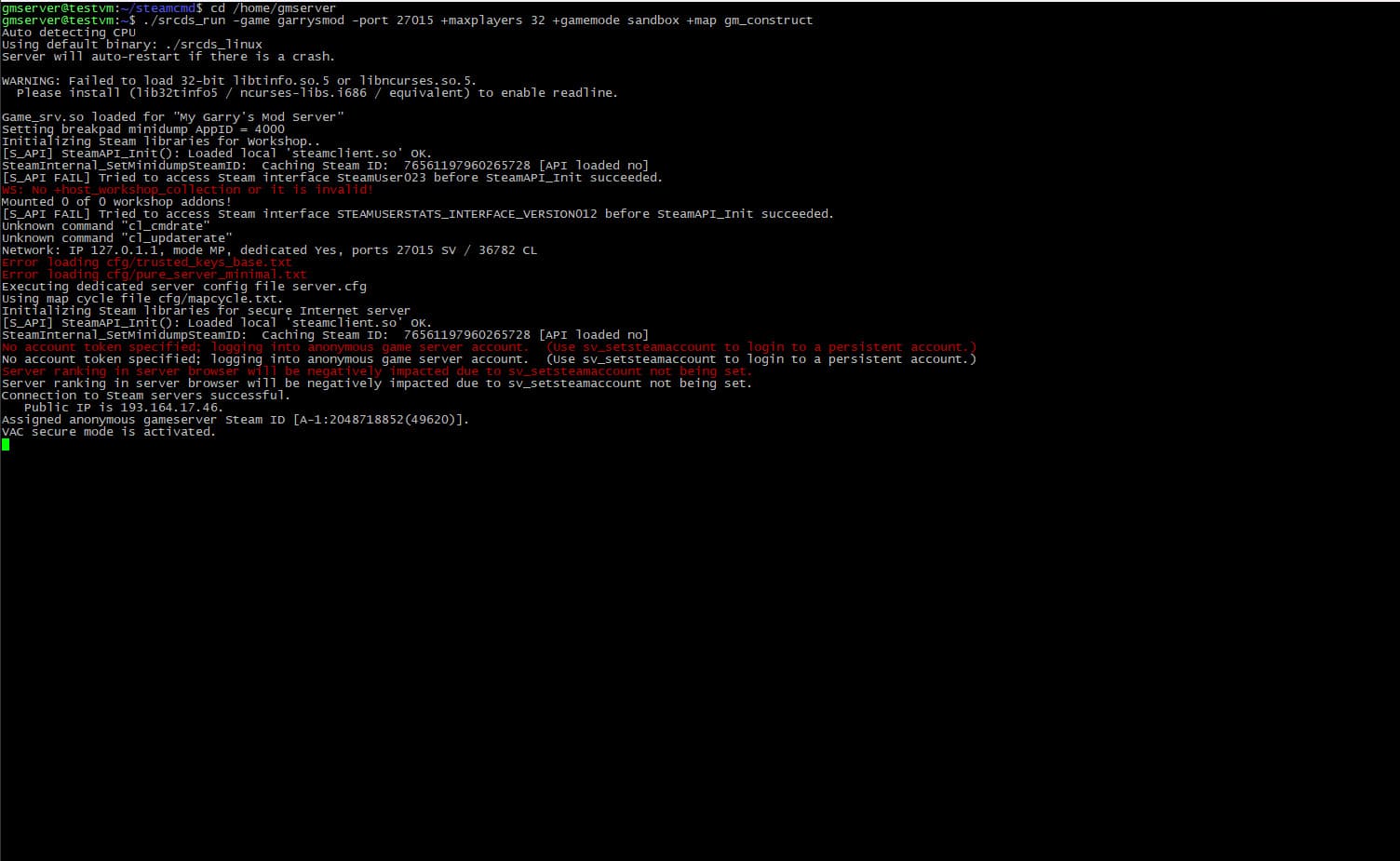
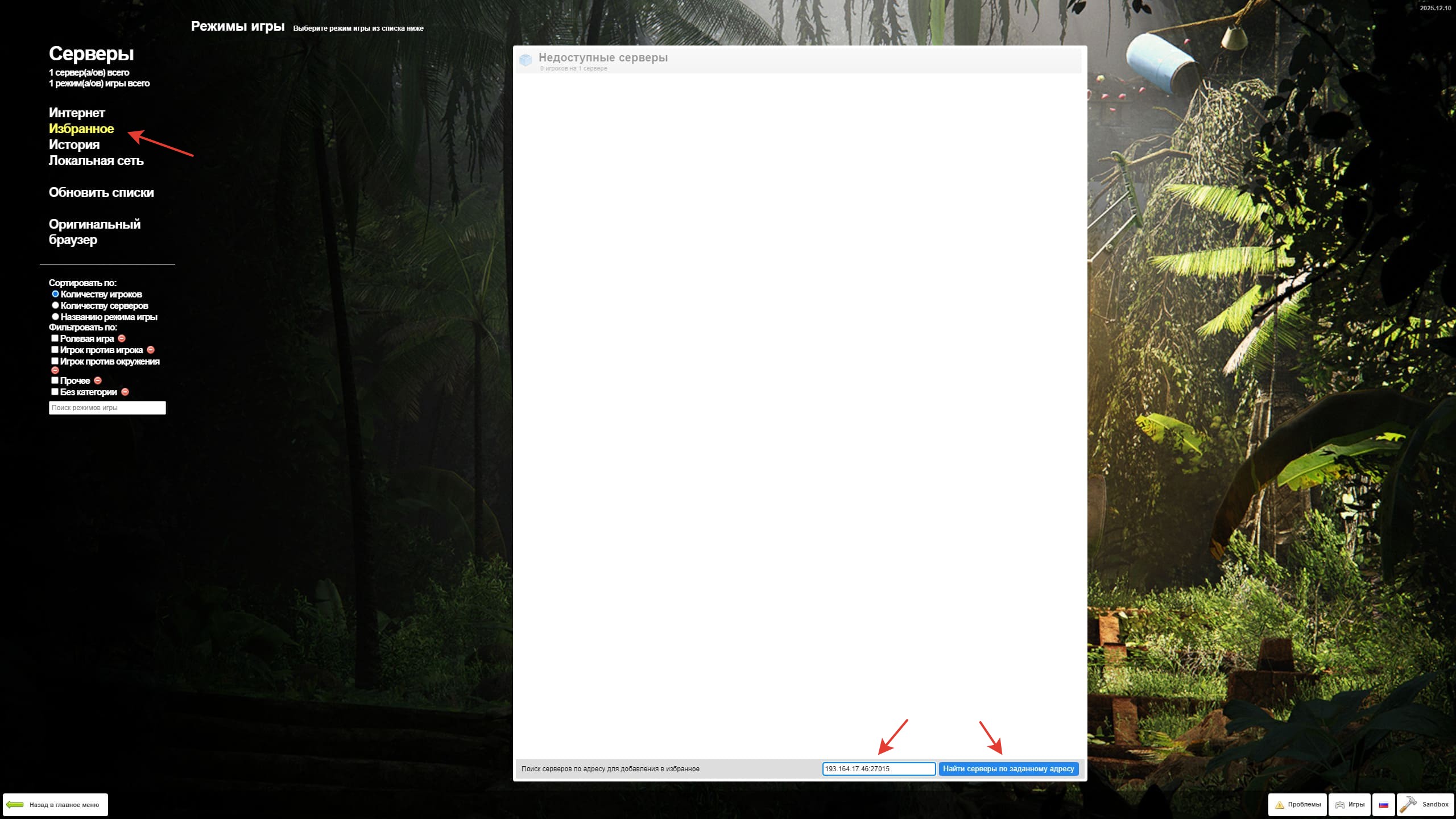
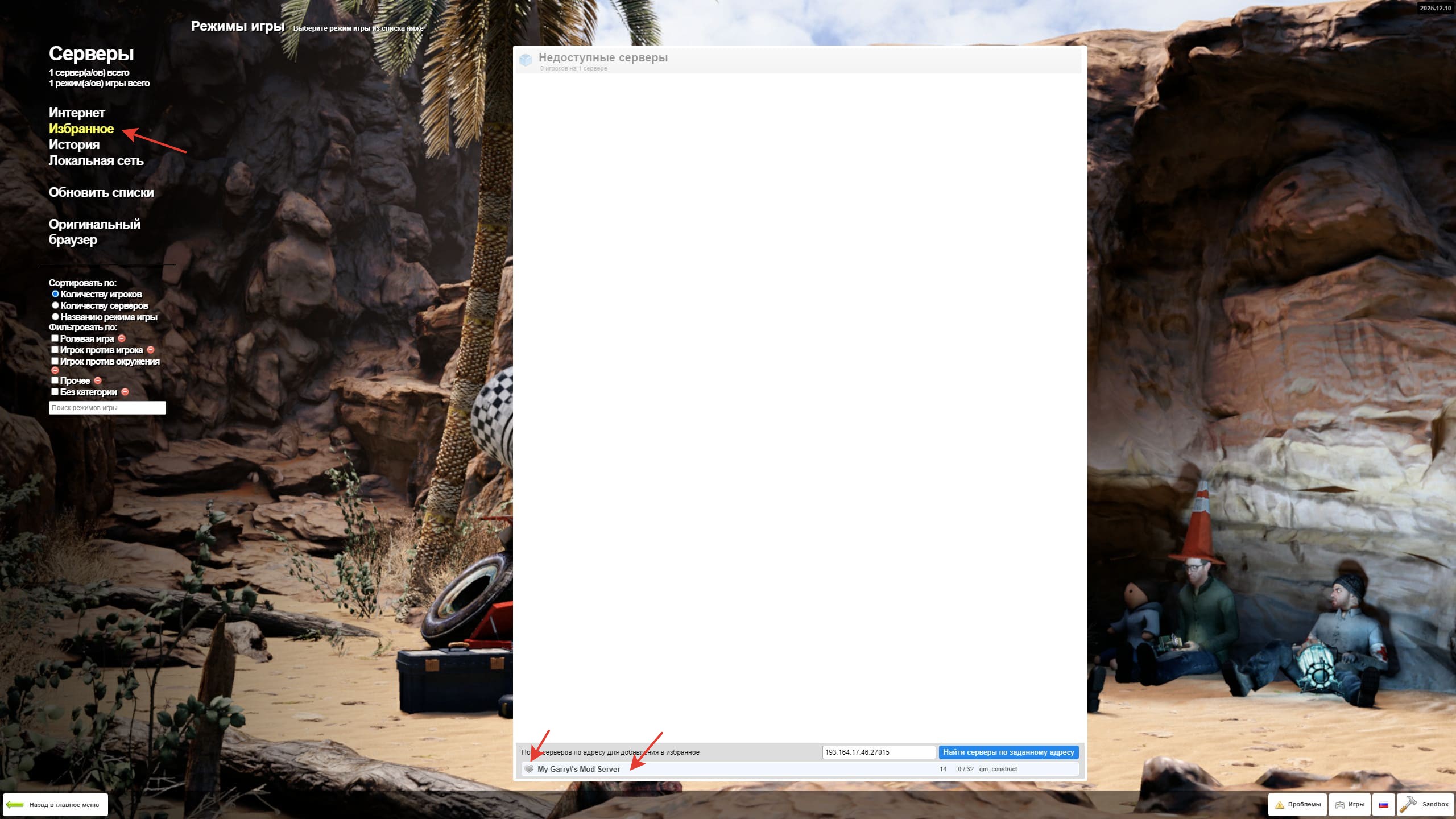
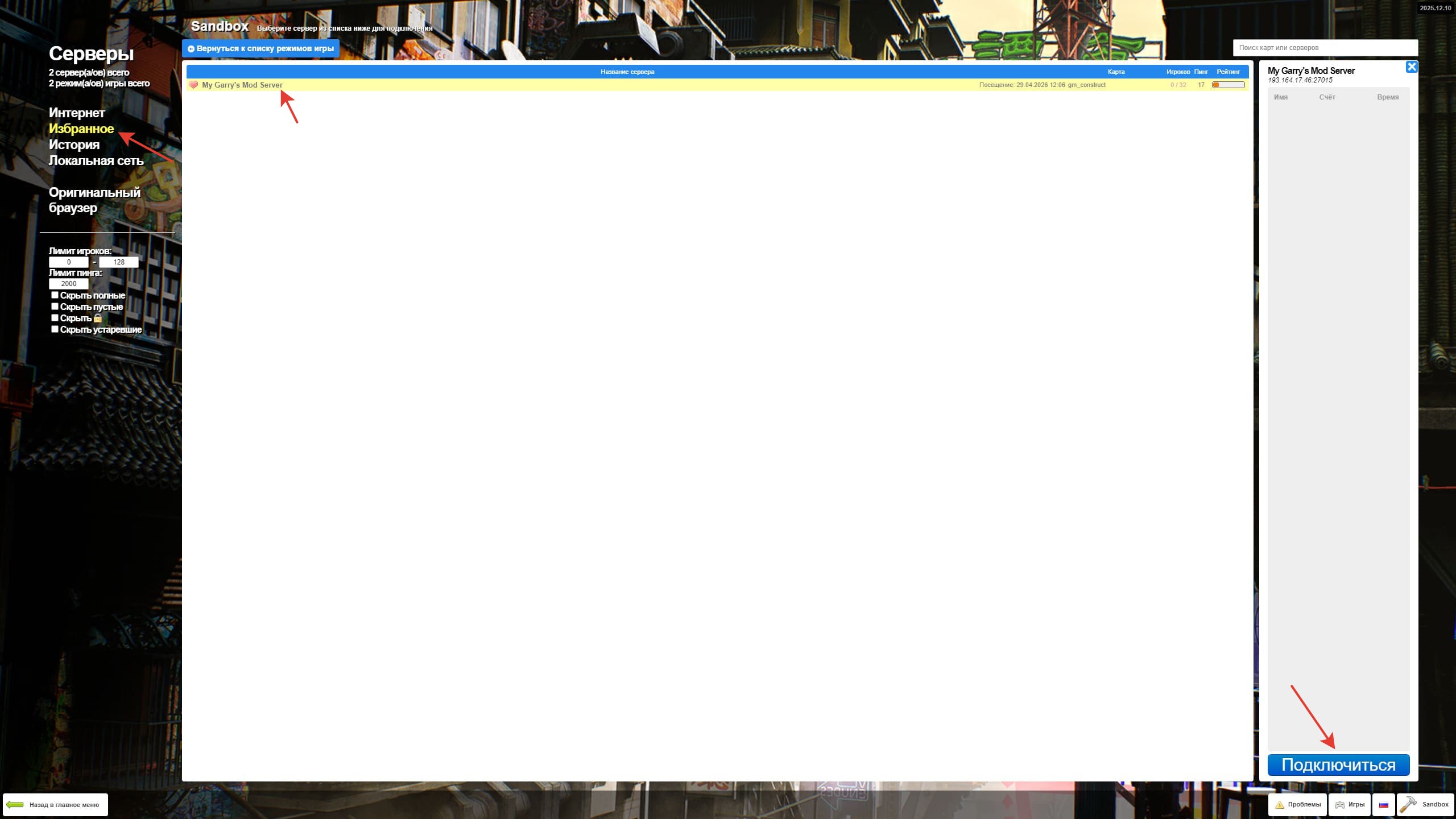
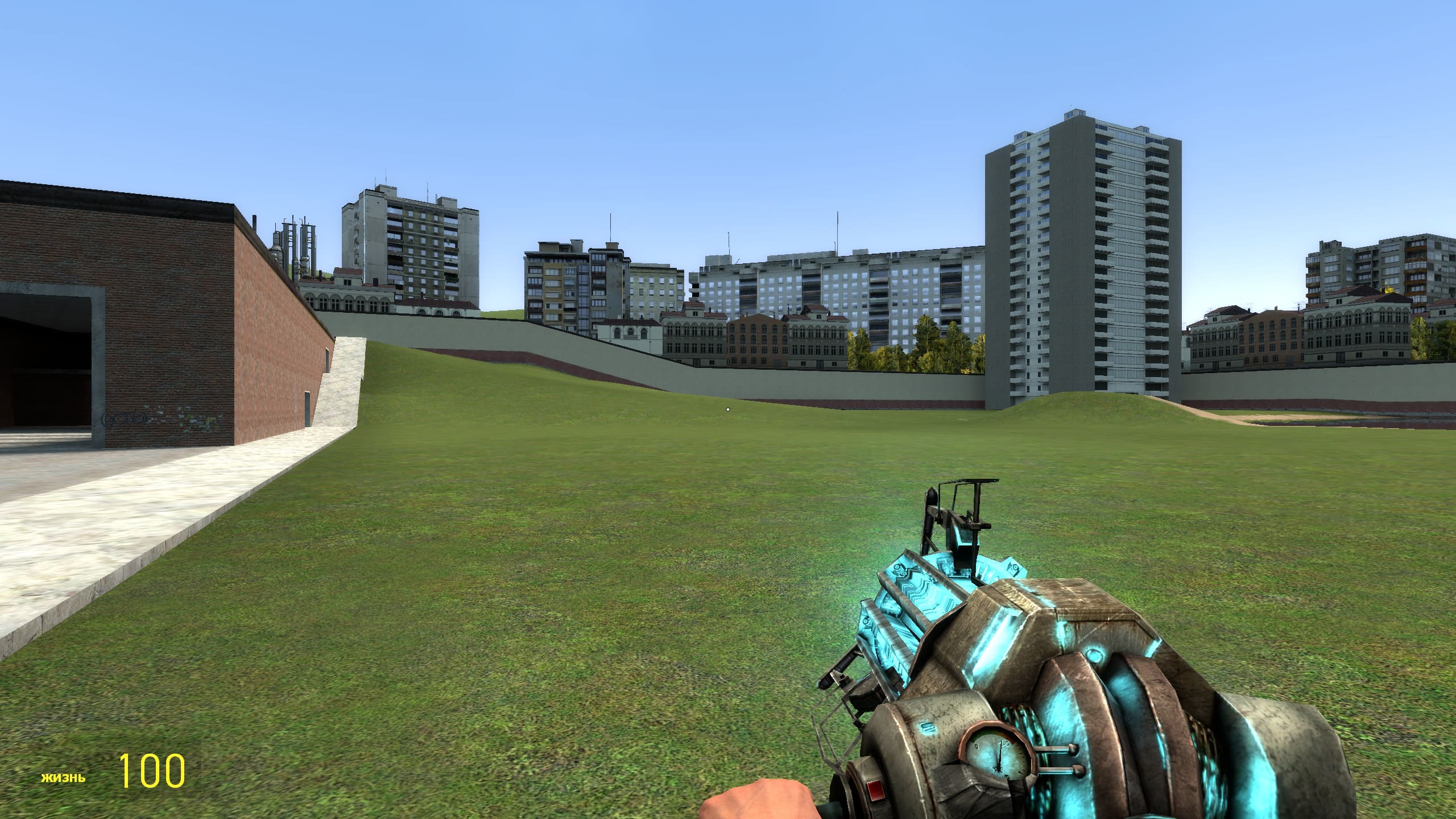
This completes the installation and basic server setup, and you can play on your own Garry's Mod online server.